Why are naming conventions important?
Naming conventions can be quite simple or complex, depending on the collection or collections of images you are naming. But why are they so important?
Working with large quantities of digital assets usually means multiple users and distribution channels. If each user or team use different names for the same type of files it is almost impossible to work efficiently. Not only will it be time-consuming to find what you are looking for, but you risk ending up with duplicates, doing the same work twice or even overlook some files completely.
When you consistently apply naming conventions, you create a predictable structure. This predictability becomes your best asset, especially when dealing with large quantities of files.
Consistent naming conventions can improve collaboration
When you have a strategy and use your naming conventions consistently, you ensure transparency enabling everyone to know where each file is kept and how to find it. Naming conventions enable findability and searchability.
Relevant naming is important for Search Engine Optimization
Correct and logical naming is also crucial when publishing assets from your DAM, like QBank, to external channels like a CMS or social media, making sure that the viewers understand and recognize the context of a photo, product name or a person and at the same time making the assets Search Engine Optimized (SEO).
Improve efficiency with consistent naming
Using a consistent naming structure can help you enable automated workflows in your systems that significantly can improve productivity for your teams. It’s beneficial for all kinds of assets, product images, technical documentation and photos.
Automate tagging through consistent naming
A DAM like QBank can automatically fill in details for you when you upload files, if you use consistent names for your files. By configuring a mapping for your naming scheme, the system can allocate various segments of the filename to the corresponding asset properties.
Let the system build your file names. When your assets are destined for various channels, including both external and internal recipients, these often require specific file naming to ensure accurate reception. Utilizing a DAM such as QBank to construct consistent naming patterns from your properties can save a lot of time. It eliminates the need to upload the same asset under different names or to manually rename assets for the recipient system.
How to name product images
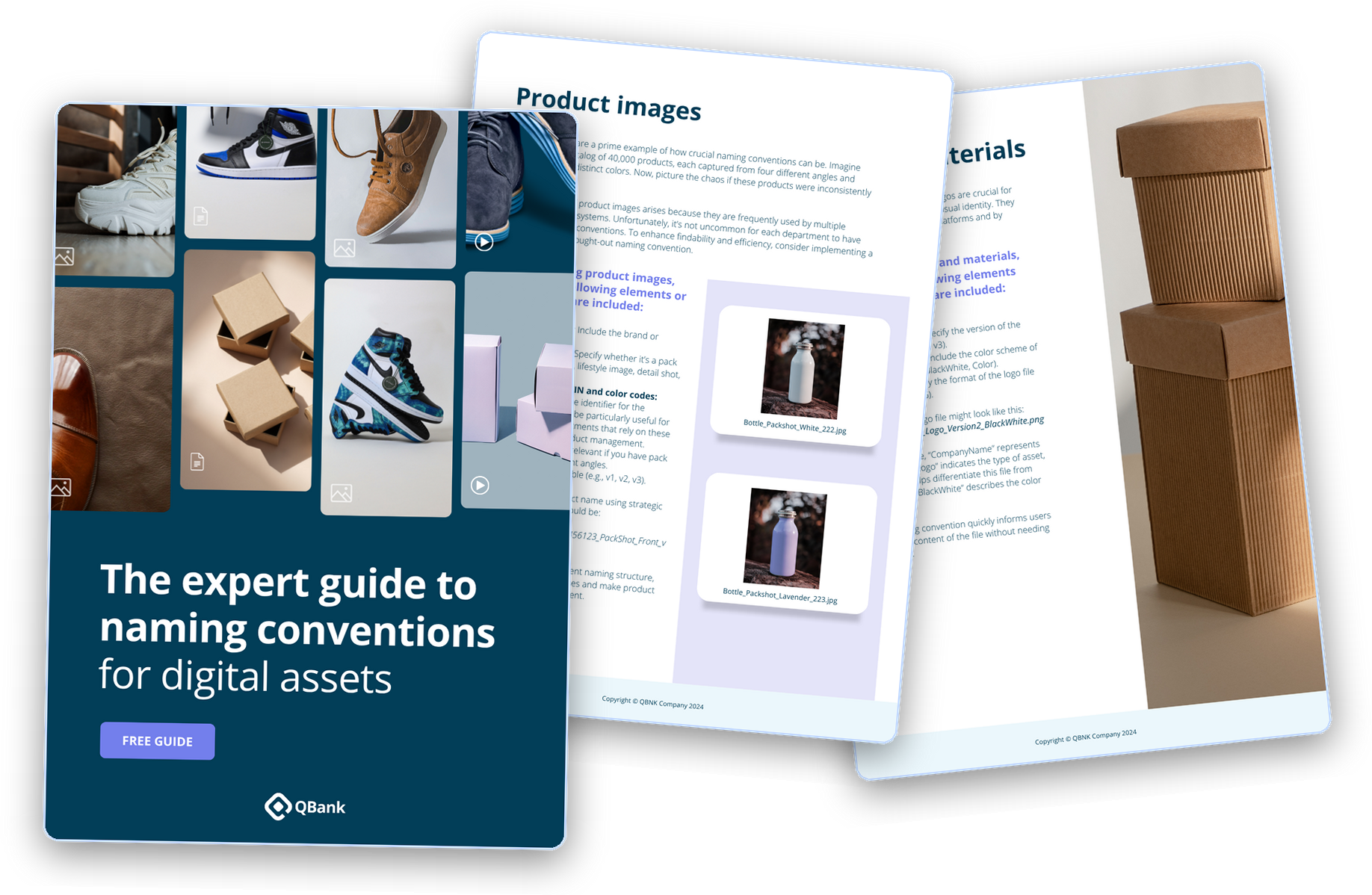
Product images are a prime example of how crucial naming conventions can be. Imagine dealing with a catalog of 40,000 products, each captured from four different angles and available in four distinct colors. Now, picture the chaos if these products were inconsistently named.
When labeling product images, ensure the following elements or information are included:
- Product name: Include the brand or company name.
- Type of photo: Specify whether it’s a pack shot, screenshot, lifestyle image, detail shot, or group photo.
- EAN, SKU, or GTIN and color codes: Include the unique identifier for the product. This can be particularly useful for systems or departments that rely on these identifiers for product management.
- Angle: Especially relevant if you have pack shots from different angles.
- Version: If applicable (e.g., v1, v2, v3).
An example of a product name using strategic naming conventions would be: OurBrand_OurProduct_456123_PackShot_Front_v1.jpg
How to name photos of places and events
When dealing with numerous images of places or specific events, effective naming conventions are essential.
- Year/Date (for event): If the photo is related to a specific event, include the year or date when it occurred.
- Name of the event or place: Clearly identify the event or location captured in the photo.
- Type of photo: Specify the context, such as audience, event, seminar, office, presentation, or party.
- Number (sequential numbering): If you have multiple photos from the same event, use sequential numbering (e.g., Photo001, Photo002) to keep them organized.
- Version (if applicable): Add a version number (e.g., v1, v2, v3) if needed.
Having the year/date in the beginning of the names will help you find and sort the photos from same event much easier. For example: 2022_DAMDay_Event_keynote.jpg
How to name photos of people
Managing images that feature people accurately is important. Not only does the tagging need to be correct for you to keep track of who is portrayed in the photo, but also due to stricter privacy regulations, you might have to keep track of consent agreements.
Using QBank, you can setup automatic workflows ensuring that images portraying people are only published if there is a consent agreement attached to the image. You can also manage the entire consent process from within QBank.
The following elements or information should be included in a photo that contains a person:
For example: Jody-Carlsson-HR-Manager-headshot-001.jpg
How to name videos and press materials
Videos are a key component of digital marketing and communication. When labeling video files, include the subject, the date the video was created or published, and the video format (e.g., MP4, MOV).
Press materials are essential for public relations and marketing. When labeling press materials, we recommend including the type of material (press release, media kit, etc.), the subject and the date. A press release file might be named like this: PressRelease_ProductLaunch_2024March.pdf
How to name brand materials
Brand materials such as logos are crucial for maintaining a company’s visual identity. They are used across various platforms and by different departments. When labeling brand materials, include the logo version, the color scheme and the format.
A well-named logo file might look like this: CompanyName_Logo_Version2_BlackWhite.png. This naming convention quickly informs users about the content of the file without needing to open it.
How to name PDFs, design files and audio files
PDF: A well-named PDF file might look like this: Whitepaper_BlockchainTechnology_2024February.pdf. “Whitepaper” identifies the type of document, “BlockchainTechnology” provides context about the subject matter, and “2024February” indicates when it was published.
Design files: Include a status indicator in the file name to clearly show whether the file is a work in progress (WIP), for review, or final. Avoid using words like “new”, “updated”, “latest” as they can become outdated quickly. For example: Logo_2024April09_Black_Version3_FINAL.ai
Audio files: Make sure to indicate what type of audio the file contains, episode title, and the date when it was published or recorded. For example: Podcast_EpisodeTitle_2024January.mp3
A few general tips
Long file names often lead to lengthy file paths and URLs, increasing the risk of errors. Additionally, they can be challenging to remember and recognize. To optimize your file management, consider the following guidelines:
Remove unnecessary words
Some words add length to a file name without contributing to its meaning. For instance, terms like “the,” “a,” and “and” can be safely omitted.
Sequential numbering
When using a numbering system, employ leading zeros for clarity. For example, use “001,” “002,” … “010,” “011,” instead of “1,” “2,” … “10,” “11.”
Special characters
Refrain from saving files with characters such as *, :, \, /, <, >, |, ", ?, [, ], ;, =, +, &, £, or $. You may encounter difficulties searching for or opening them so they are best avoided.
Initials and codes
Avoid using initials, abbreviations and codes that are not commonly understood.
Common words
Avoid starting file names with generic terms like “draft” or “letter,” unless doing so will make it easier to find the asset.
Redundancy
Eliminate redundancy: Keep names and URLs concise by avoiding unnecessary repetition.
Following these general guidelines will help you build a consistent, easy-to-use strategy for your naming conventions.